

If you are new to trading at Exness, depositing funds is the first step to start your investment journey. This article will guide you on how to deposit funds into your Exness account quickly, safely and in the most detailed way.
1. Preparation before depositing money
Before making a deposit, you need to make sure:
- Exness account has been KYC verified.
- Suitable payment methods are available (Internet Banking, E-wallet, or Visa/MasterCard).
- Sufficient balance in bank account or e-wallet to make transaction.
Note: The name on the payment account must match the name on the Exness account.
2. Popular deposit methods on Exness
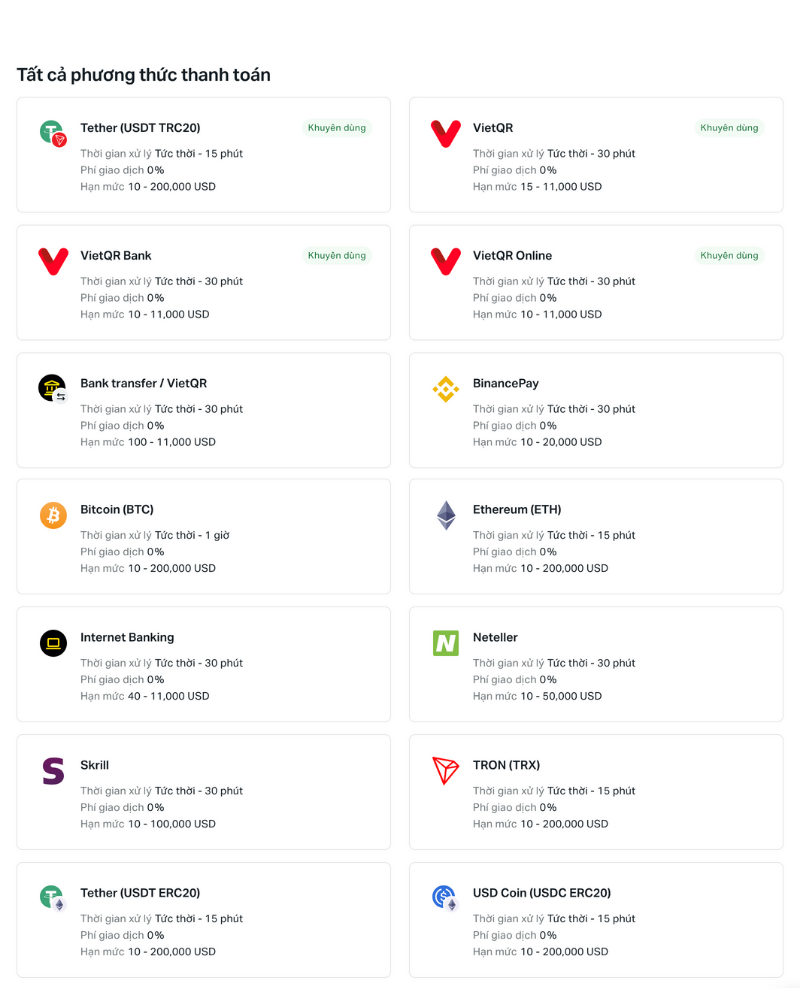
Exness supports many different deposit methods, suitable for traders in Vietnam:
| Method | Processing time | Transaction fees | Note |
|---|---|---|---|
| Internet Banking | Right away | Free | Supports most domestic banks |
| E-wallet (Skrill, Neteller, Perfect Money) | Right away | Free | Popular for international traders |
| Visa/MasterCard | 3 – 5 minutes | Free | 3D Secure verification required |
| Cryptocurrencies (USDT, BTC, ETH) | 5 – 15 minutes | Free | Exchange rate updated at transaction time |
3. Step-by-step guide to depositing money into Exness
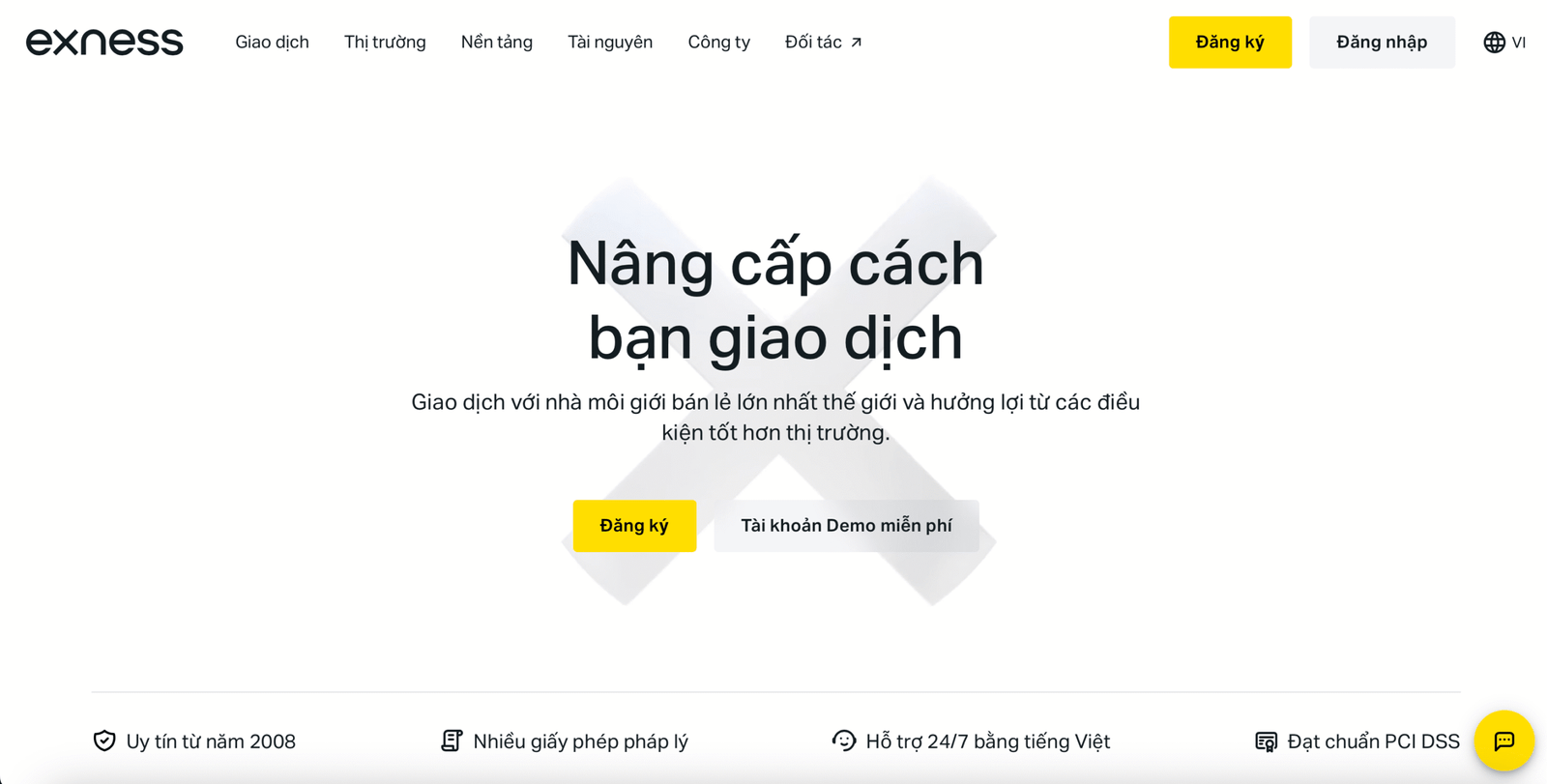
Step 1: Log in to your Exness account
- Visit: Exness
- Log in with the email and password you registered with.
>> Reference: Register and Verify Exness Account in detail
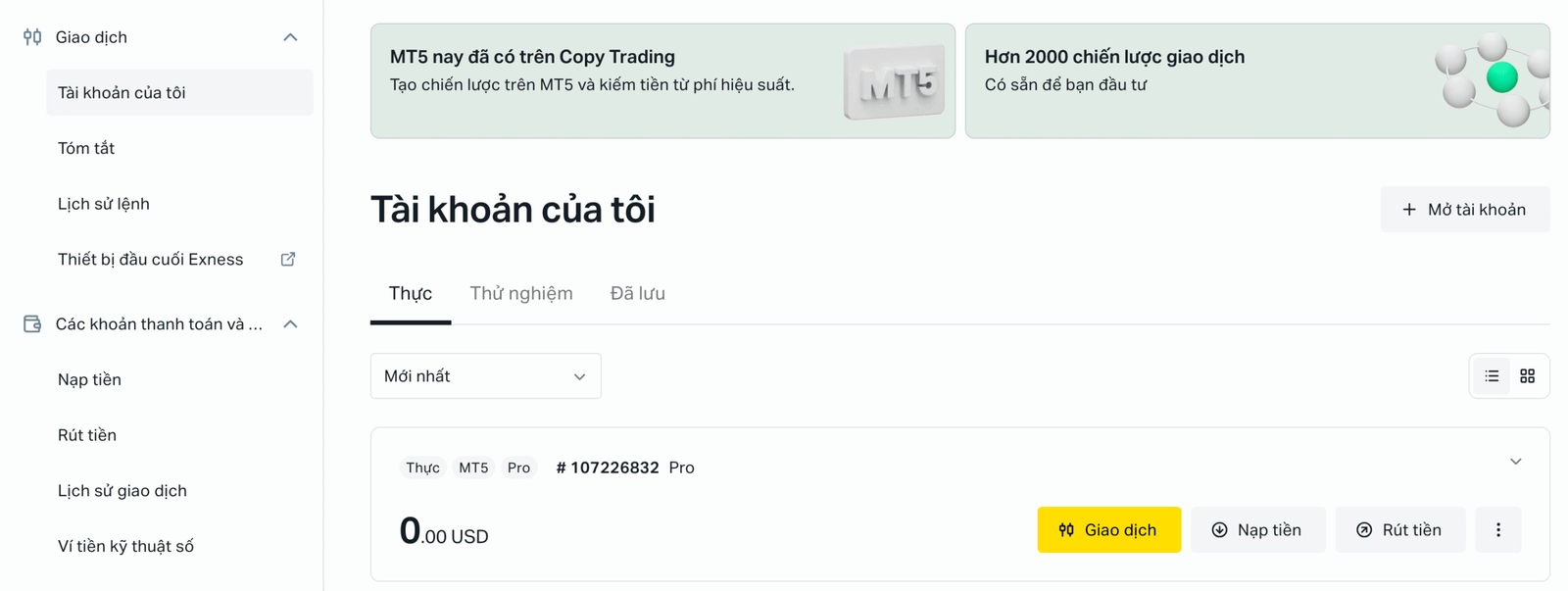
Step 2: Select the trading account to deposit money
- In the “My Accounts” area, select the MT4 or MT5 account you want to deposit funds into.
Step 3: Choose a deposit method
- Click “Top up” → Select the payment method you want (e.g., Vietnam Online Banking).
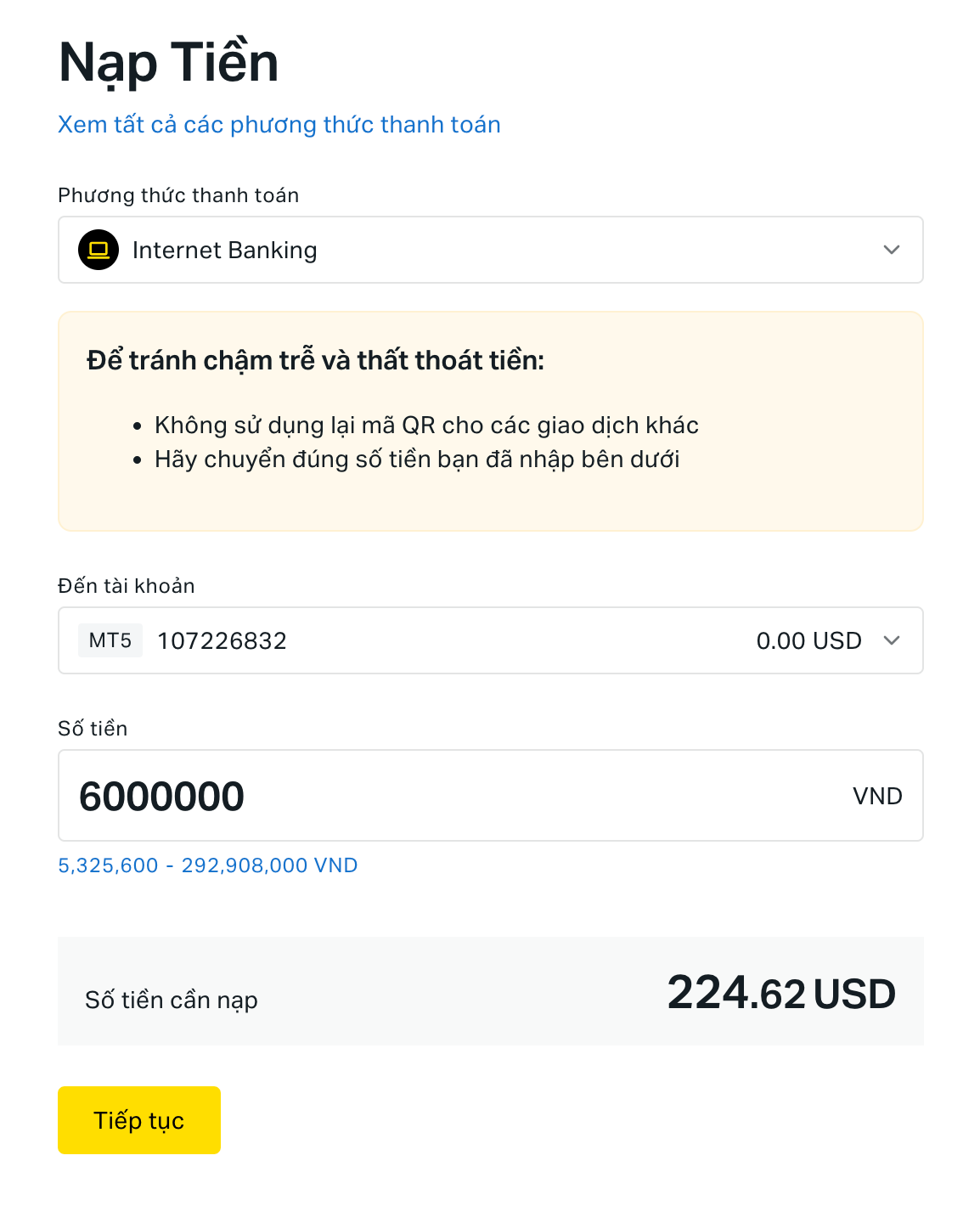
Step 4: Enter the amount to deposit
- Provide information about the trading account including information: Account number, amount to deposit, currency. At this time, the system provides a transaction information sheet, if you agree with the Exness deposit information, then “Continue” on the screen.
- The system will display the exchange rate to VND if you choose domestic banking method.
- Select transaction bank. Here you can choose to deposit Exness funds through any bank that you have linked your account to and is available at Exness.
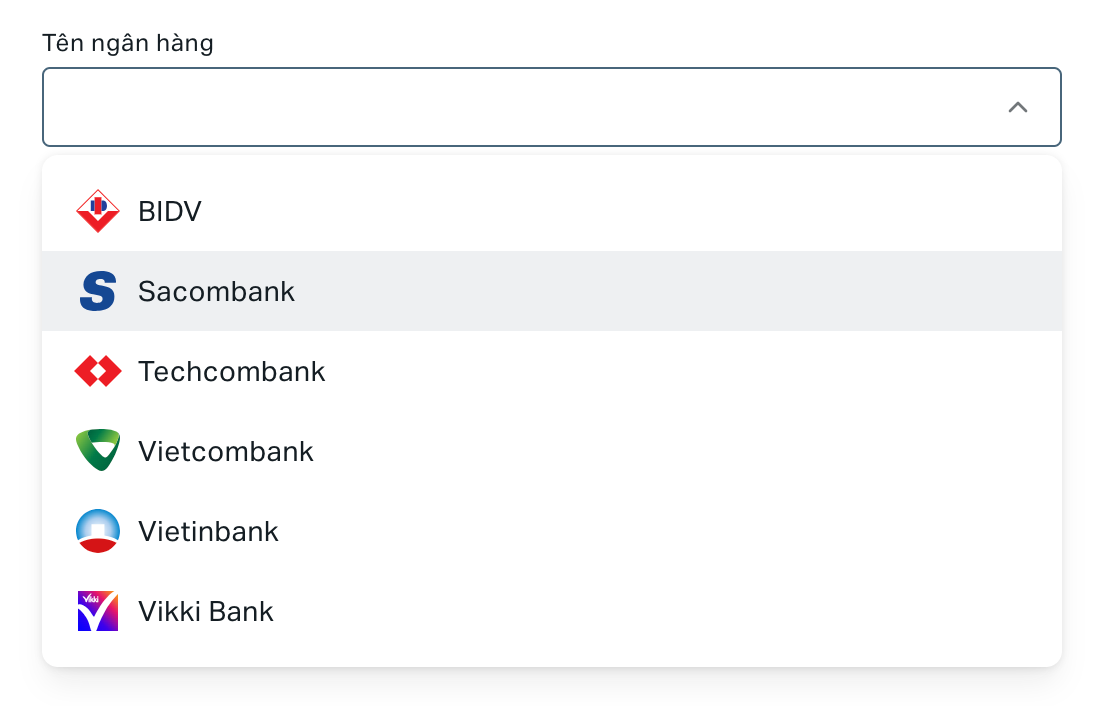
Trong bài viết này, chúng tôi sẽ lấy ví dụ cho bạn cách nạp tiền Exness qua Techcombank, hãy tiếp tục theo dõi nhé!
Step 5: Confirm transaction
- After selecting the bank to transact with, enter your account information and log in to Internet Banking, then select “Login”.
- Enter the OTP confirmation code from your phone and check the Techcombank deposit information form. Click “Confirm” to continue depositing money into Exness.
- Finally, the website displays the message “Your transaction is being processed” which means the deposit is complete. You can check it right away in the account balance section displayed on the left corner of the screen.
Step 6: Check balance
- Once completed, the amount will be updated instantly to your Exness account.
- Go to “Transaction History” to check details.
So the process of depositing money into Exness via Internet Banking is complete. Now you can make transactions at Exness.
4. Some important notes when depositing money into Exness
- Minimum deposit: 10 USD (Standard Account).
- Processing Time: Almost instant with local banks and e-wallets.
- No deposits from third party accounts (must have the same name).
- Deposit with Crypto: Please check the network (chain) carefully before sending to avoid losing funds.
5. Frequently Asked Questions
❓ Can I deposit using someone else's card?
→ No, Exness only accepts deposits/withdrawals from personal accounts.
❓ What if there is an error with the deposit?
→ Contact Exness Vietnam support 24/7 via live chat or email support@exness.com.
❓ Can I deposit money on weekends?
→ Yes, but some banks will process transactions slower on weekends.
Conclude
Depositing funds into Exness is simple and safe if you follow the instructions correctly. Make sure you use the correct account and double-check your transaction details to avoid mistakes.
🔗 See more: Detailed instructions for withdrawing money from Exness