

Introduction to Exness
Exness is the world's leading reputable foreign exchange (Forex) broker, allowing users to trade gold (XAUUSD) and many other financial products.
To start trading, you need to Register an Exness Account - an important step to help you access the platform and secure your assets.
Instructions for Registering an Exness Account
Step 1: Start registering an Exness account
Visit the official Exness website at https://www.exness.com or the link for Vietnam https://www.exmarkets.expert/vi/.
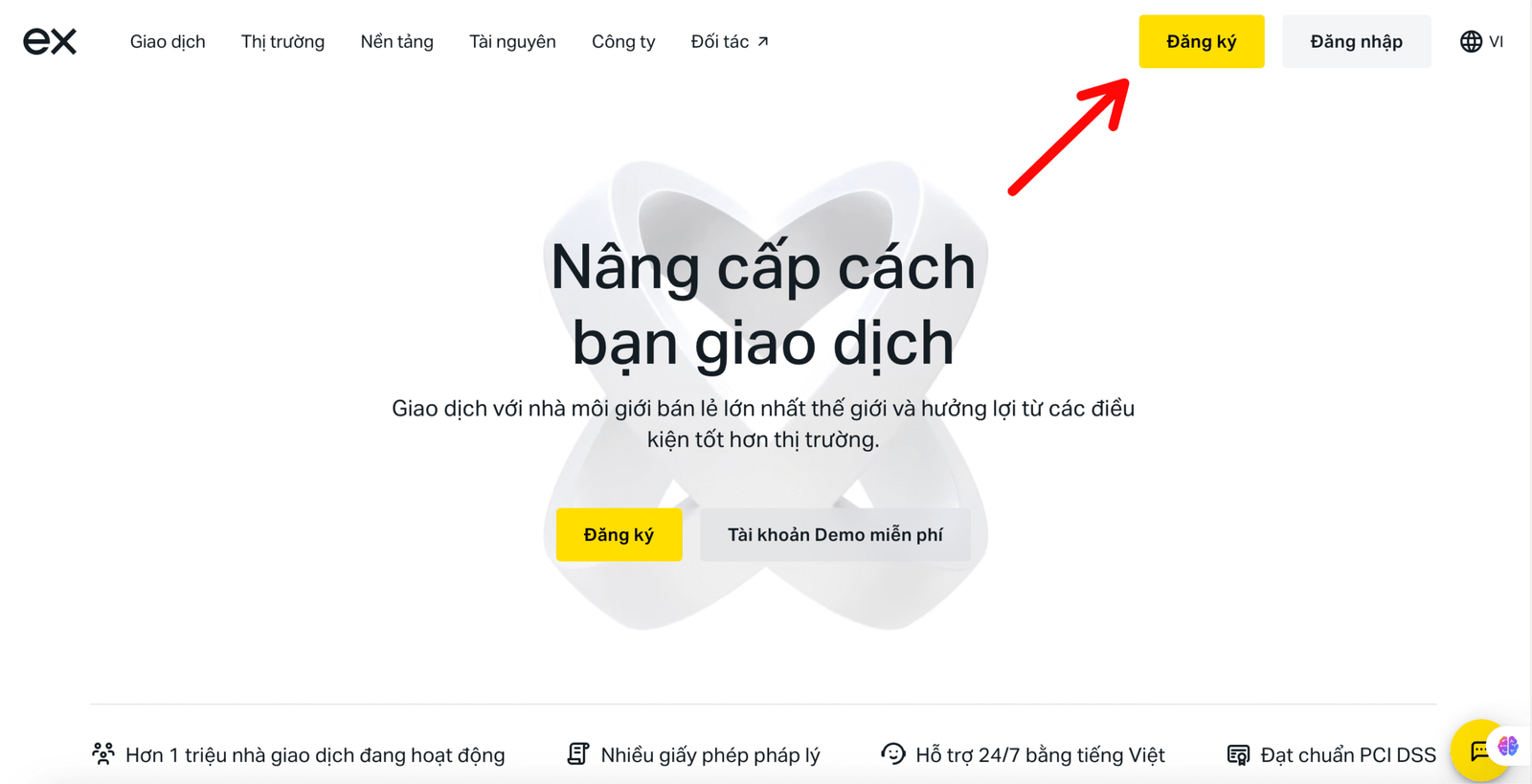
Step 2: Click “Register”
Click Register in the right corner of the screen to start creating an account.
Step 3: Fill in information to create an Exness account
Fill in your information including country, email, and password (8–15 characters, including letters, numbers, and special characters).
Select “I am not a US citizen” and click Continue.
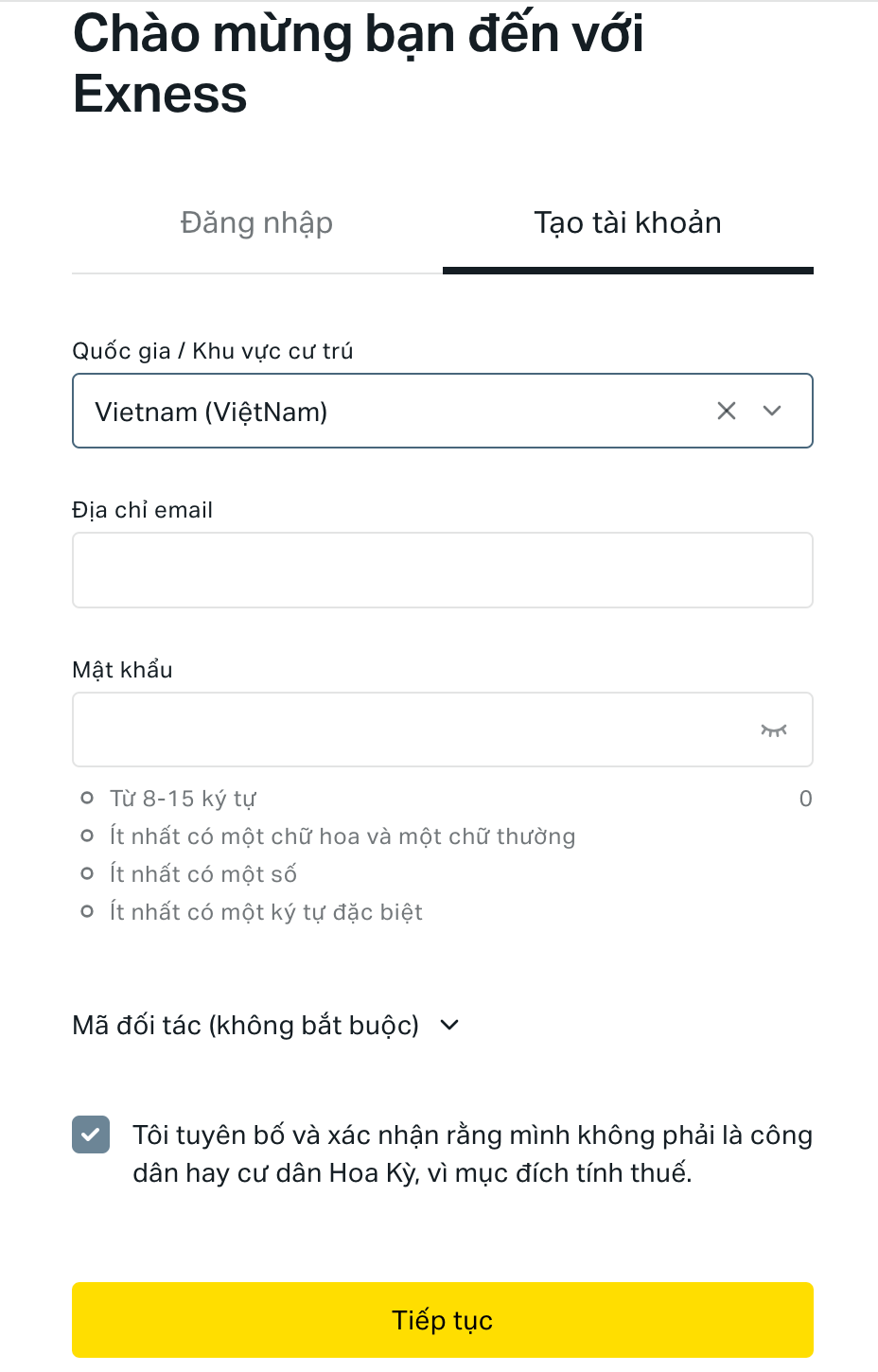
Click Continue to complete the registration. If the email is valid and does not already exist, you have successfully created an Exness account.
Step 4: Verify email and phone number
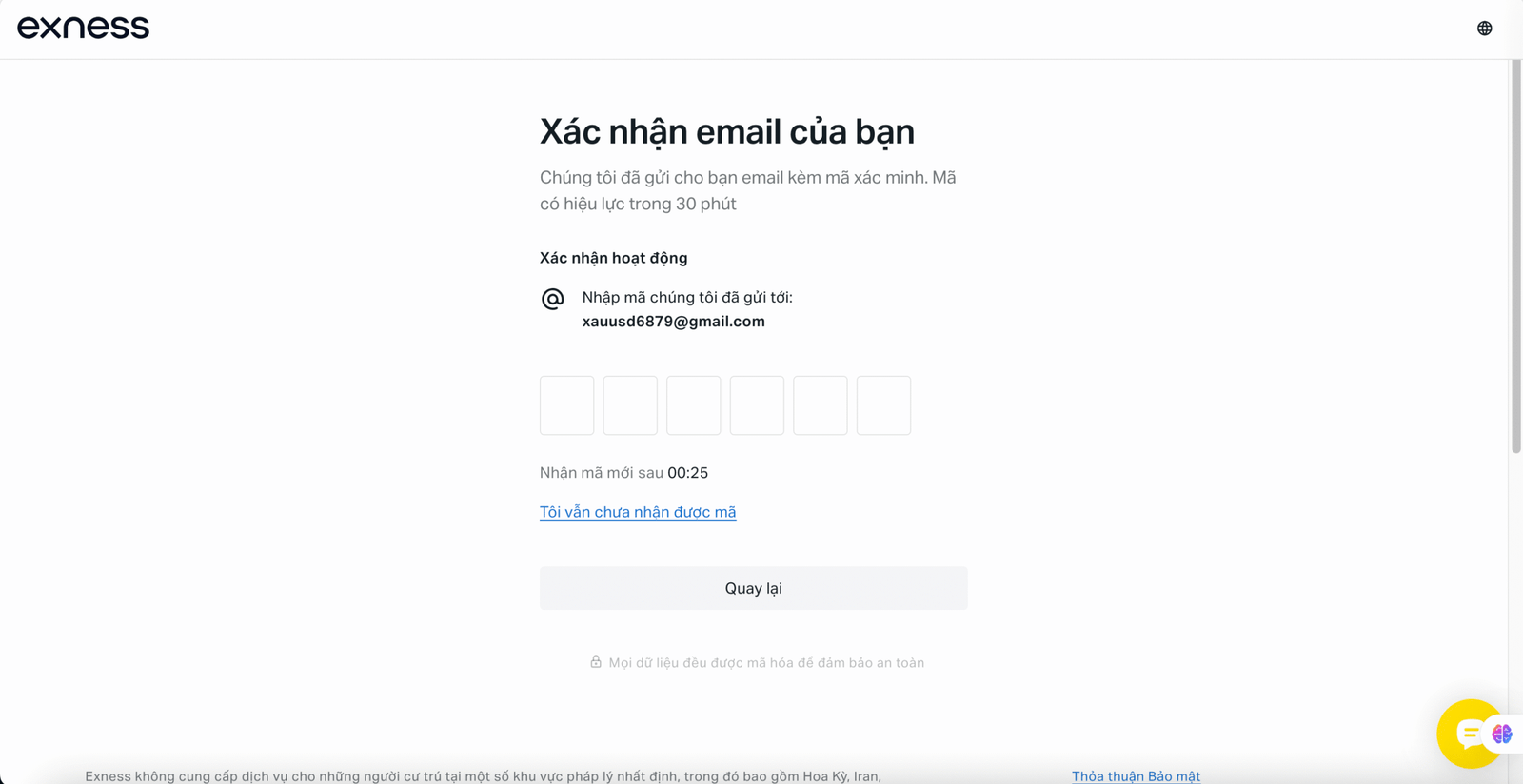
Enter the code sent to your Email or Phone number to verify your Exness account.
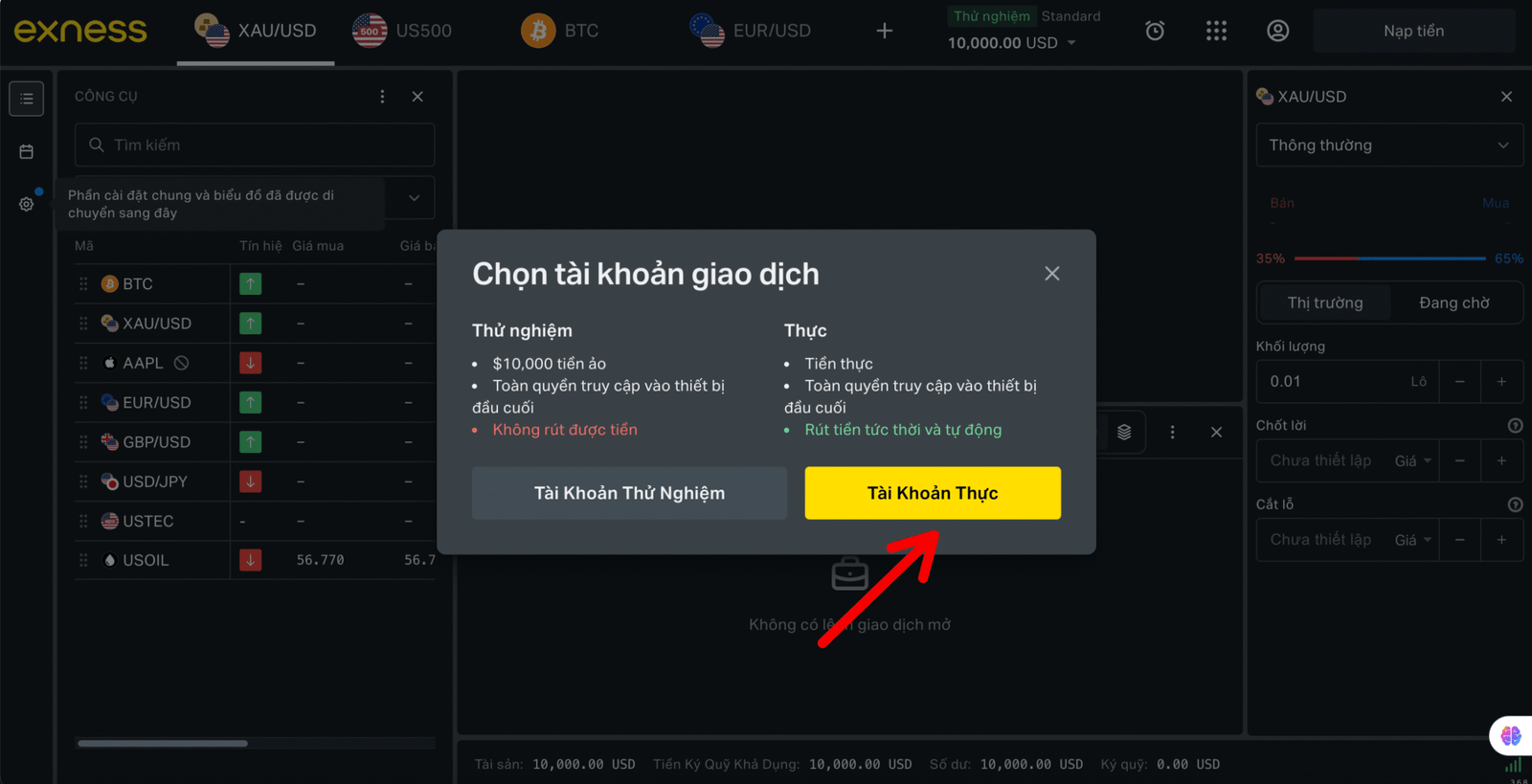
Once done, you can choose either a Demo Account to get familiar with it or a Real Account to trade for real.
Complete Verification after Exness Account Registration
After successful registration, you will be redirected to the Dashboard. Click Complete Profile to verify your Exness account and ensure security.
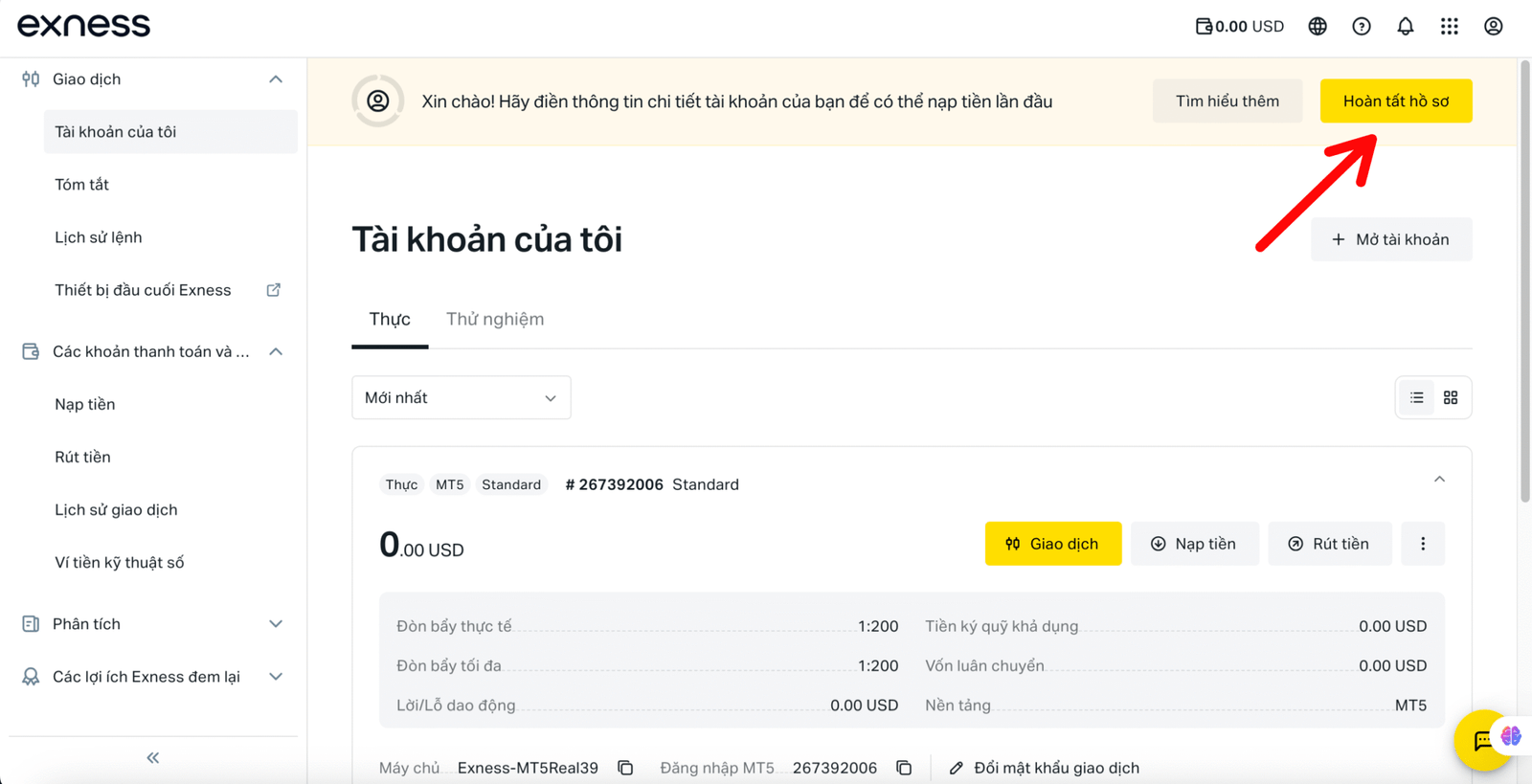
Step 1: Add profile information
Since you have already completed Email and Phone Number verification, now just add your profile information to complete the verification process.
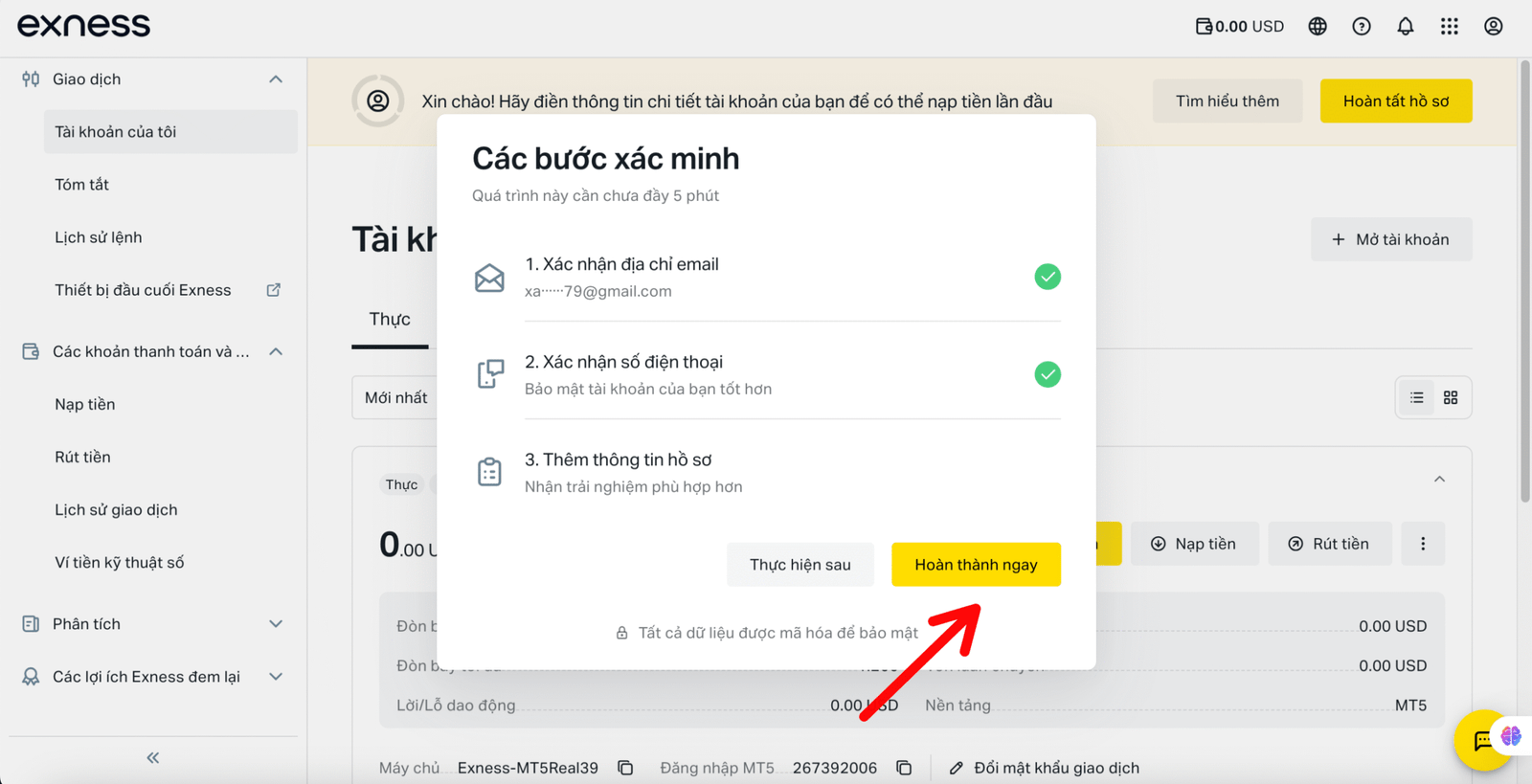
Enter your full name, date of birth, gender and address. Your full name must be entered exactly as it appears on your ID.
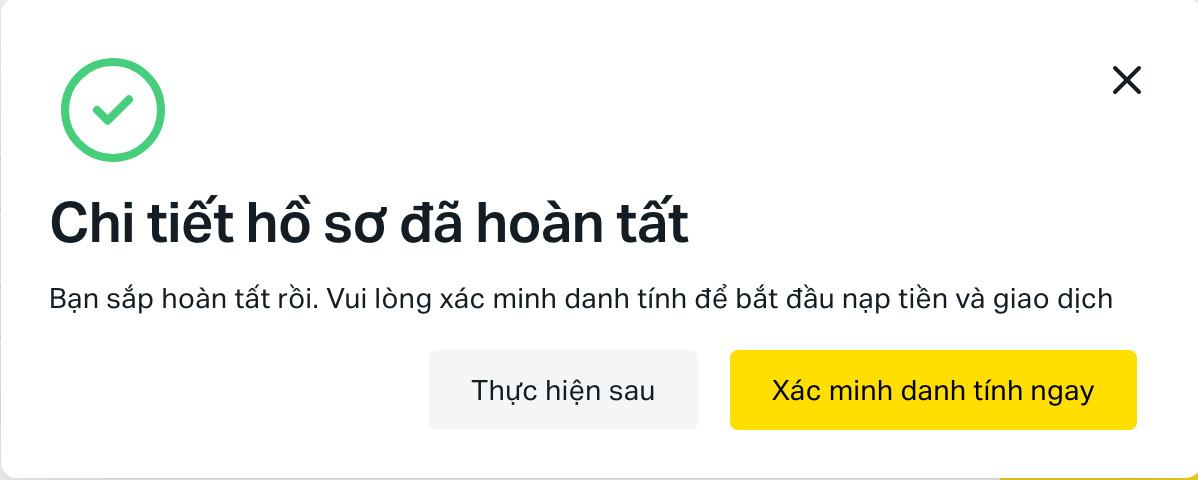
Step 2: Verify identity
Next, click the Upload Documents button to proceed to the step of uploading identification documents. This helps Exness verify that the personal information you entered above is correct and unique.
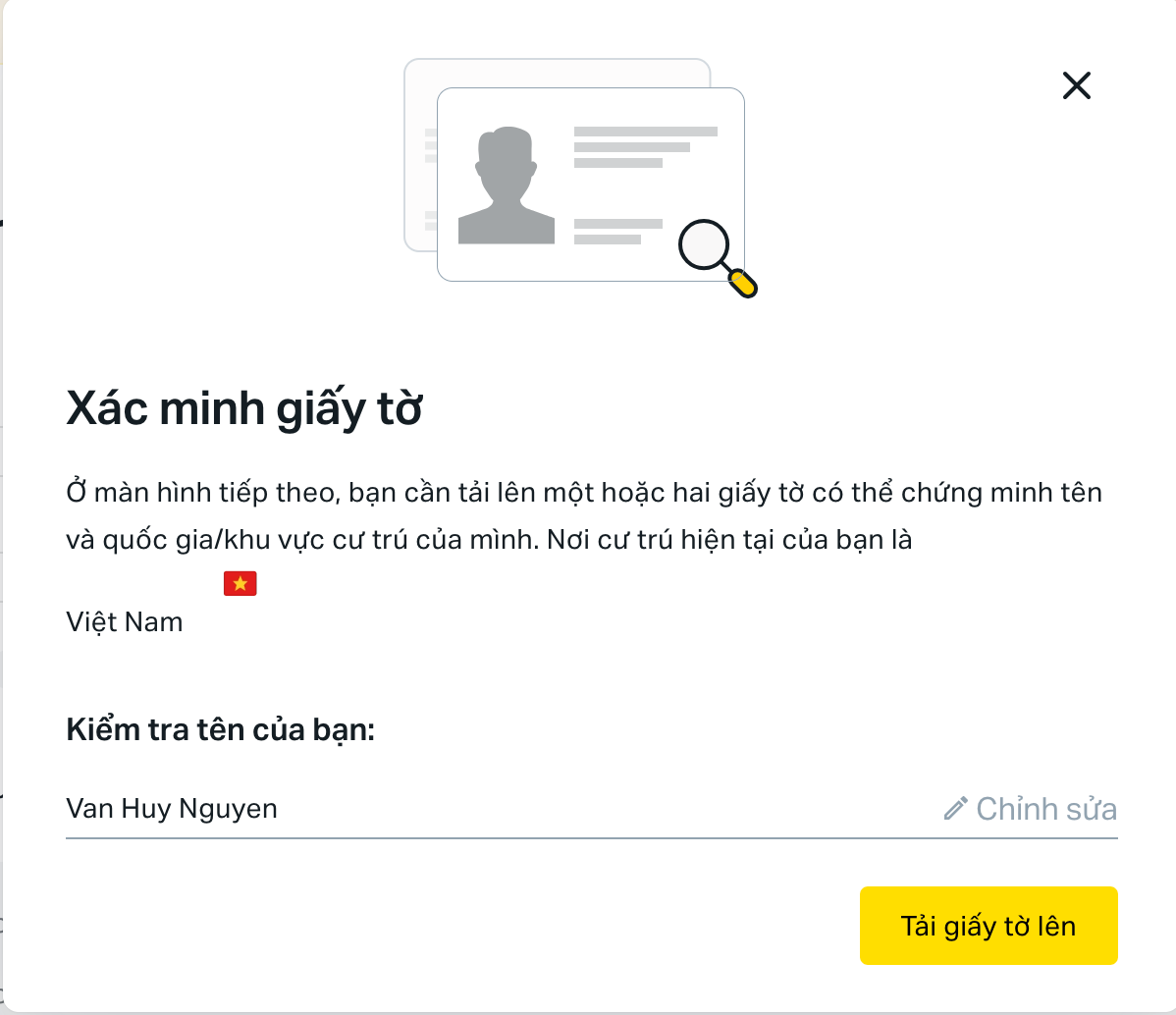
Upload documents:In this step you can choose passport, driver's license, or national ID.
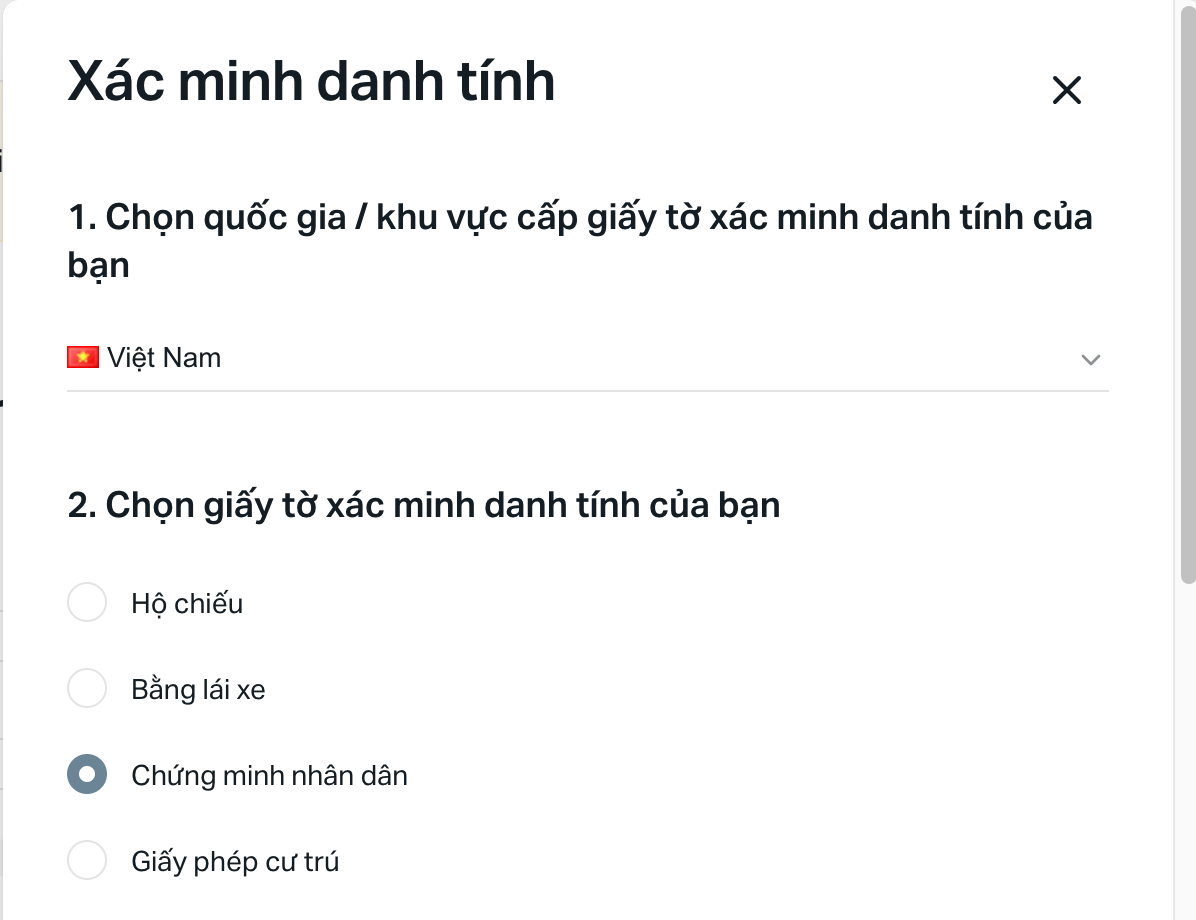
Upload the front and back of the document into boxes 1 and 2 respectively.
Step 3: Verify address
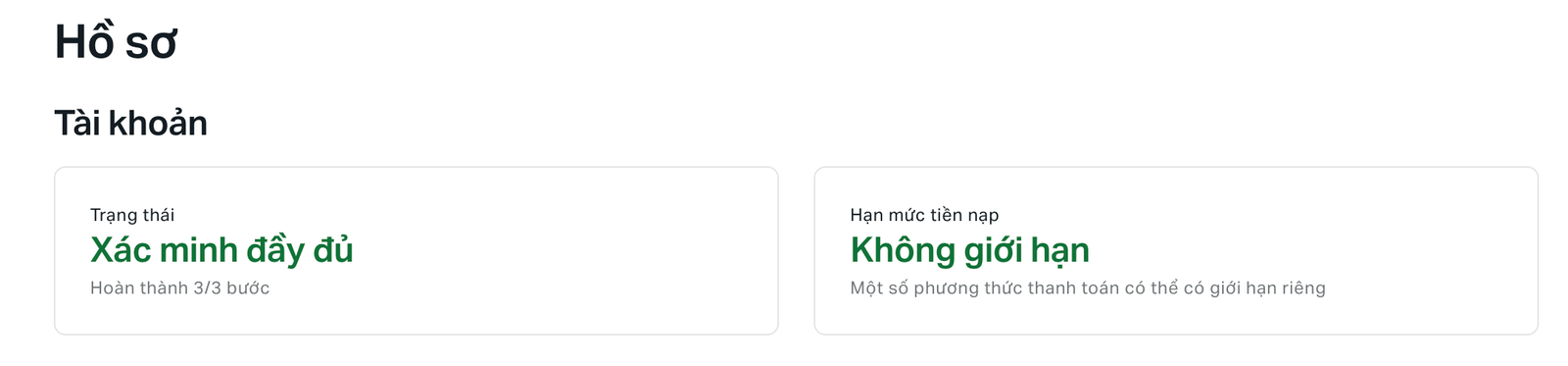
Provide a bank statement or utility bill with an address that matches the declared information. Once submitted, Exness will review your application within a few minutes to a few hours.
After successfully registering and verifying your Exness account, you can start depositing funds and trading.
Notes when Registering an Exness Account
- Use real information that matches the documents.
- Do not use the same email to open multiple accounts.
- Nếu bị chặn truy cập, hãy dùng BrightVPN.
- Keep your Exness email and password secure.
Registering and verifying your Exness account is the first step to help you trade safely and legally.
Once completed, you can:
💰 Deposit money to Exness – Instructions for quick, safe, and free deposits.
💵 Withdraw money to Exness – How to easily withdraw profits to Vietnamese banks.
Make sure you understand the deposit and withdrawal process to maximize your investment efficiency on Exness.